PLM Teamcenter - My Experiences as a Support Specialist
Insights into my work with Siemens Teamcenter and why PLM systems are so important
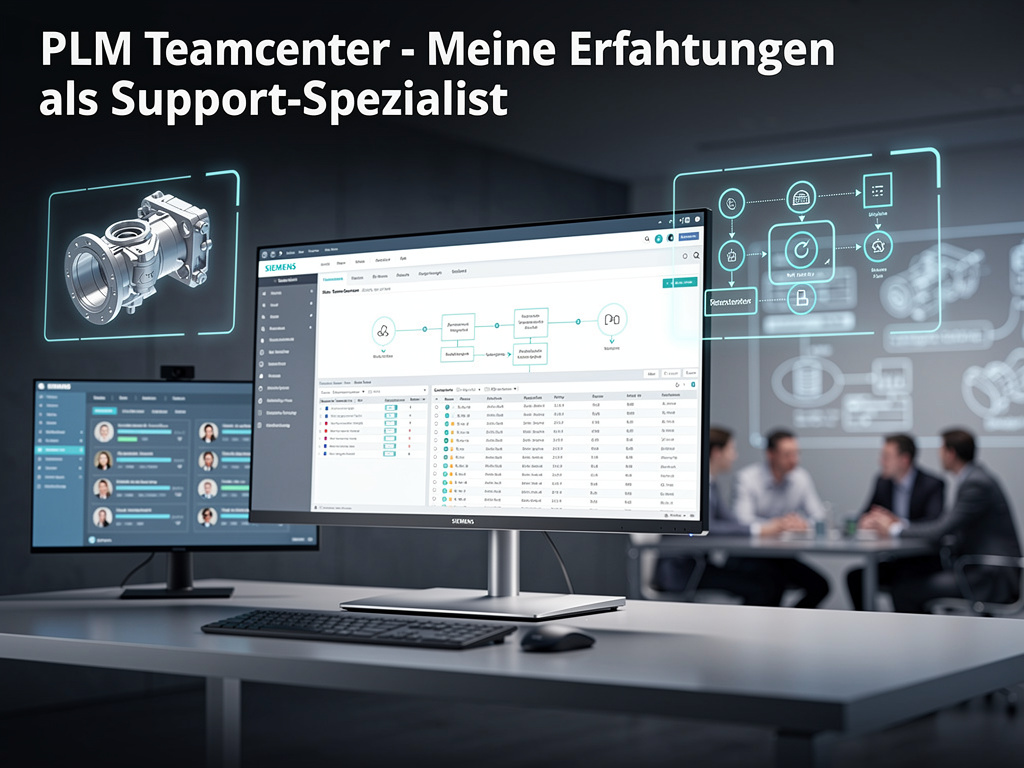
PLM Teamcenter - My Experiences as a Support Specialist
As a PLM Teamcenter support specialist, I work every day with one of the most powerful Product Lifecycle Management systems in the world. In this article, I want to give you an insight into what Teamcenter is, why it is so important, and what challenges and solutions I experience in my daily work.
What is PLM Anyway?
Before we get to Teamcenter, a brief explanation: Product Lifecycle Management (PLM) is a strategic approach to managing all information and processes around a product – from the first idea through development, production, maintenance, to disposal.
In today's complex product development, hundreds of engineers, designers, and other specialists often work on a single product. Without a central system, chaos would reign: versions would be lost, changes would not be communicated, and collaboration would be nearly impossible.
Why Teamcenter?
Siemens Teamcenter is one of the leading PLM systems worldwide and is used by thousands of companies – from automotive manufacturers to aerospace companies to mechanical engineering firms. It offers:
Central Data Management
All product data – CAD models, drawings, documentation, change requests – is stored and managed centrally. No more scattered files, no version conflicts.
Workflow Management
Teamcenter makes it possible to define and automate complex approval processes. From the first sketch to final release – every step is traceable and controllable.
Integration with CAD Systems
Especially important: Teamcenter integrates seamlessly with CAD systems like NX, SolidWorks, CATIA, and many others. Changes in the CAD system are automatically captured in the PLM system.
Configuration Management
In complex products, there are often hundreds of variants. Teamcenter helps manage these variants and ensures that everyone uses the correct version.
My Daily Work
As a support specialist, I am the point of contact for all questions and problems around Teamcenter. My tasks include:
Troubleshooting
When something does not work – whether it is an error during check-in, a problem with workflows, or performance issues – I am the one called upon. That requires deep technical understanding and a systematic approach.
Training and Consulting
Not every user is a Teamcenter expert. I help understand new functions, convey best practices, and optimize workflows.
System Administration
Managing Teamcenter systems requires knowledge of databases, server administration, and network technology. I make sure the systems run stably and are optimally configured.
Customization
Every company has different requirements. Often we have to adapt Teamcenter to map specific processes. That requires programming skills and a deep understanding of the Teamcenter architecture.
Challenges
Working with Teamcenter is not always easy. Among the biggest challenges are:
Complexity
Teamcenter is a powerful but also complex system. There are countless functions and configuration options. Finding the right solution requires experience and patience.
Integration
In modern companies, Teamcenter must work with many other systems: ERP systems, MES systems, document management systems. These integrations are often complex and error-prone.
Change Management
Introducing or migrating a PLM system requires not only technical expertise, but also change management. People must learn new processes and let go of old habits.
Performance
With large amounts of data and many simultaneous users, performance can become a problem. Optimization requires deep understanding of the system architecture.
What I Love About This Work
Despite the challenges, I love my work with Teamcenter. Why?
Variety
Every day brings new challenges. No problem is like another, and I am constantly learning.
Impact
PLM systems are critical for modern product development. When I solve a problem or optimize a process, that has a direct impact on the work of hundreds or thousands of people.
Technical Depth
Teamcenter is technically demanding. Working with it requires and fosters deep technical understanding.
Collaboration
I work with many different people – from developers to project managers to end users. This diversity makes the work interesting.
Tips for Teamcenter Users
From my experience, here are a few tips:
-
Use the documentation: Teamcenter has extensive documentation. Often you can find the answer there.
-
Stay organized: Use folder structures and naming conventions consistently. That makes searching much easier.
-
Understand the workflows: Workflows are the heart of Teamcenter. Understand how they work and use them consistently.
-
Communicate: If you have problems or suggestions for improvement, talk to your support team. We are here to help.
-
Stay up to date: Teamcenter is continuously developed. New versions bring new features and improvements.
The Future of PLM
PLM systems are becoming increasingly important. With digitalization, Industry 4.0, and the growing complexity of products, central data management and process control are indispensable.
Modern trends like cloud PLM, AI integration, and advanced visualization will further improve the systems. As a support specialist, I look forward to helping shape these developments.
Conclusion
Teamcenter is more than just software – it is a tool that makes modern product development possible in the first place. Working with it is demanding, but also very fulfilling. If you have questions about Teamcenter or need support, feel free to contact me.
As a PLM Teamcenter support specialist, I help companies get the most out of their PLM systems. If you have questions or problems, I am happy to help.
Image credits
- Photo: ThisisEngineering via Unsplash